Confirming Product Identification Beyond the Old ID
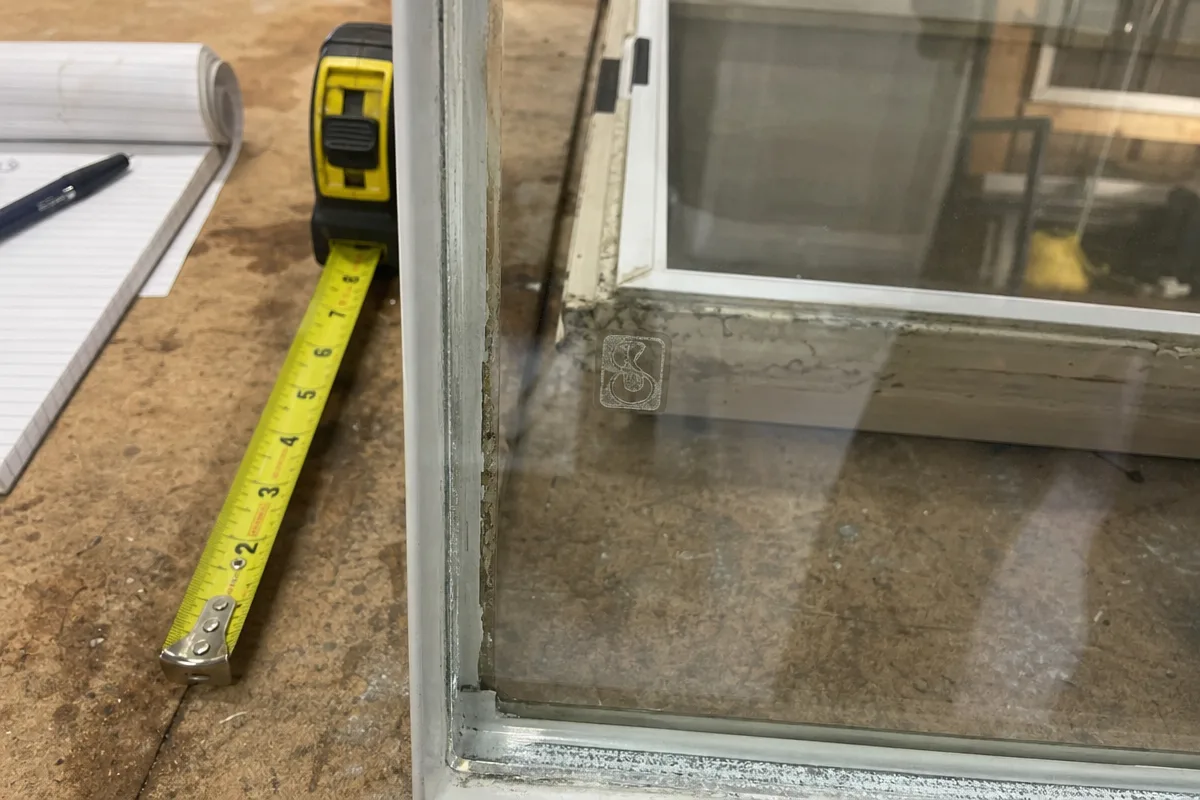
When dealing with a cut list containing several nearly identical glass units, relying solely on an old product ID can be risky. Manufacturer IDs may be located on the frame near hinges or etched in the glass corner, but these vary by model and brand. A missing or unreadable mark does not confirm glass type, so supplement the ID with a whole-opening photo and notes on the unit’s location and orientation to ensure accurate identification.
Detailing Finished Dimensions and Unit Construction
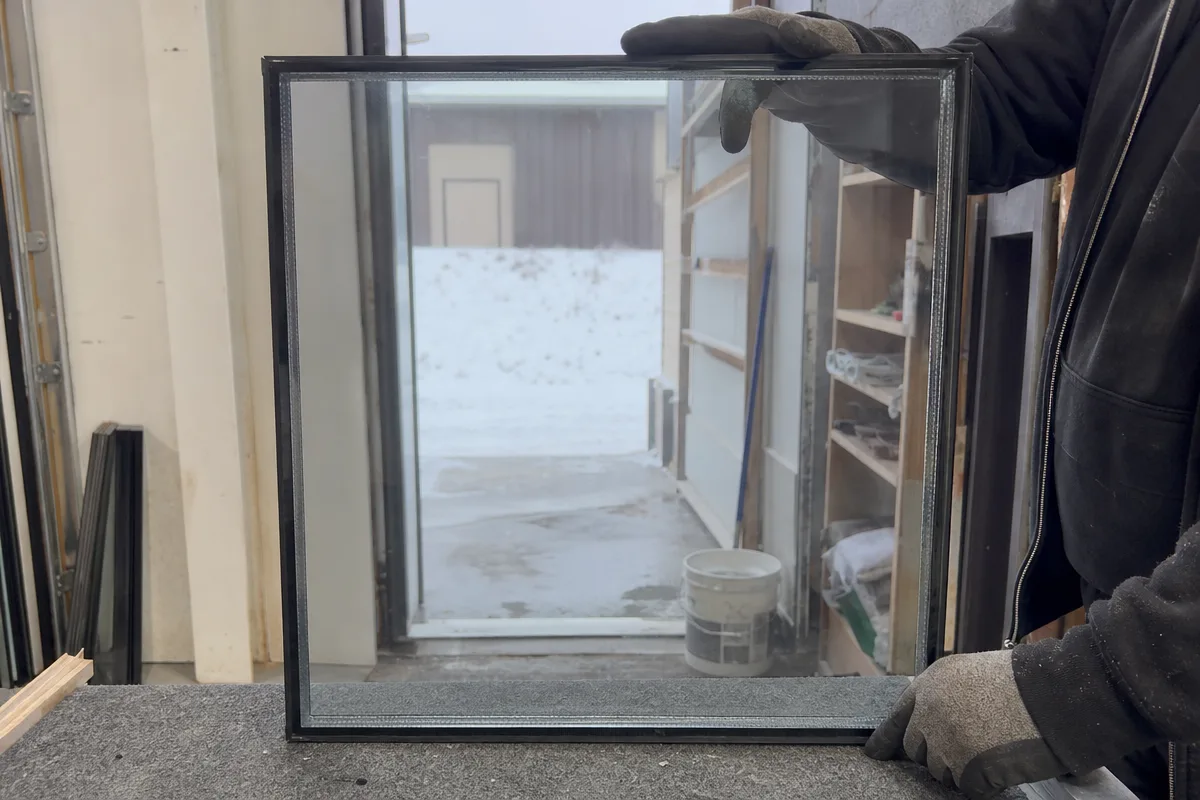
Document all finished dimensions precisely, including width, height, and thickness of each ply. Specify the edge treatment, overall build, and orientation (exterior/interior) to avoid confusion. Include coating designations and which surface faces outdoors, as coatings are numbered from outside inward. Also note spacer type, gas fill, and any safety treatments known. This level of detail helps avoid costly errors when ordering replacements for similar units.
Using the Replacement Request Checklist
Prepare a checklist for each unit on the cut list: verify product ID location and legibility, record finished size and ply thickness, note coating surface and orientation, and photograph the installed unit. Include any spacer or gas fill information if available. This checklist ensures that the purchase order or receiving decision matches the exact specifications needed for each nearly identical glass unit, streamlining the replacement process.
Sources
Prepared with AI assistance using the references above.