
Window and Glass Guides for Toronto Homeowners
Use the guides to understand replacement scope, organize measurements, compare quotes and build a realistic Toronto and GTA budget before meeting with suppliers or contractors.
Which guide do you need?
Open a resource below, or try the interactive glazier game after the homeowner guides.
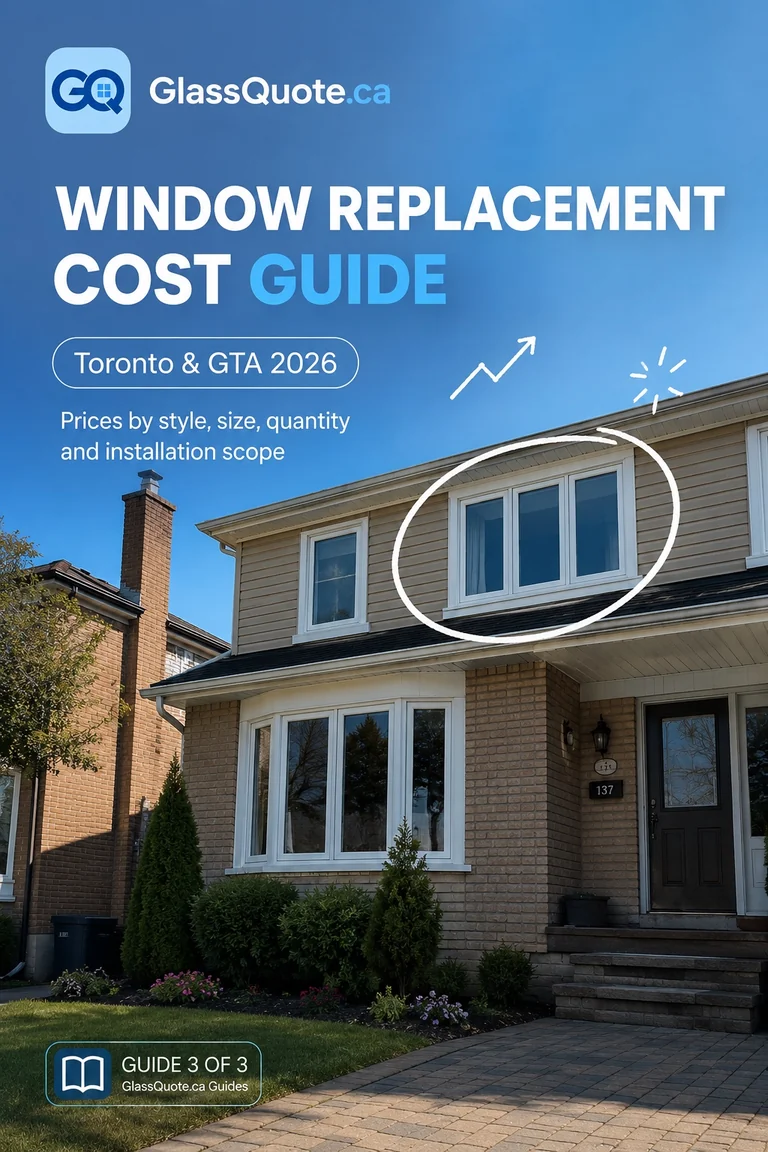

Move from condition to budget to a comparable quote
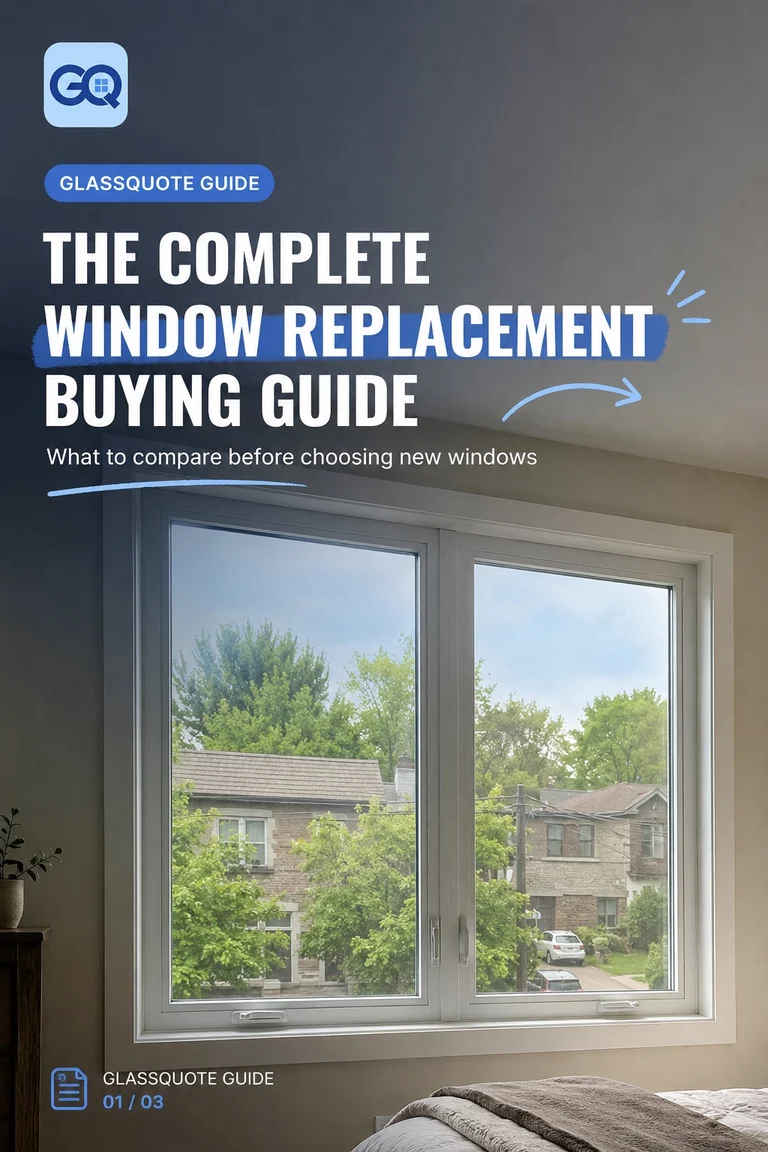
Start by deciding whether the opening needs repair, glass-only work or complete replacement. Then build a window list, record preliminary dimensions and use the cost guide to understand the variables behind the budget.
When quotes arrive, compare product, installation method, finish work, exclusions, warranty and payment terms—not only the total at the bottom.
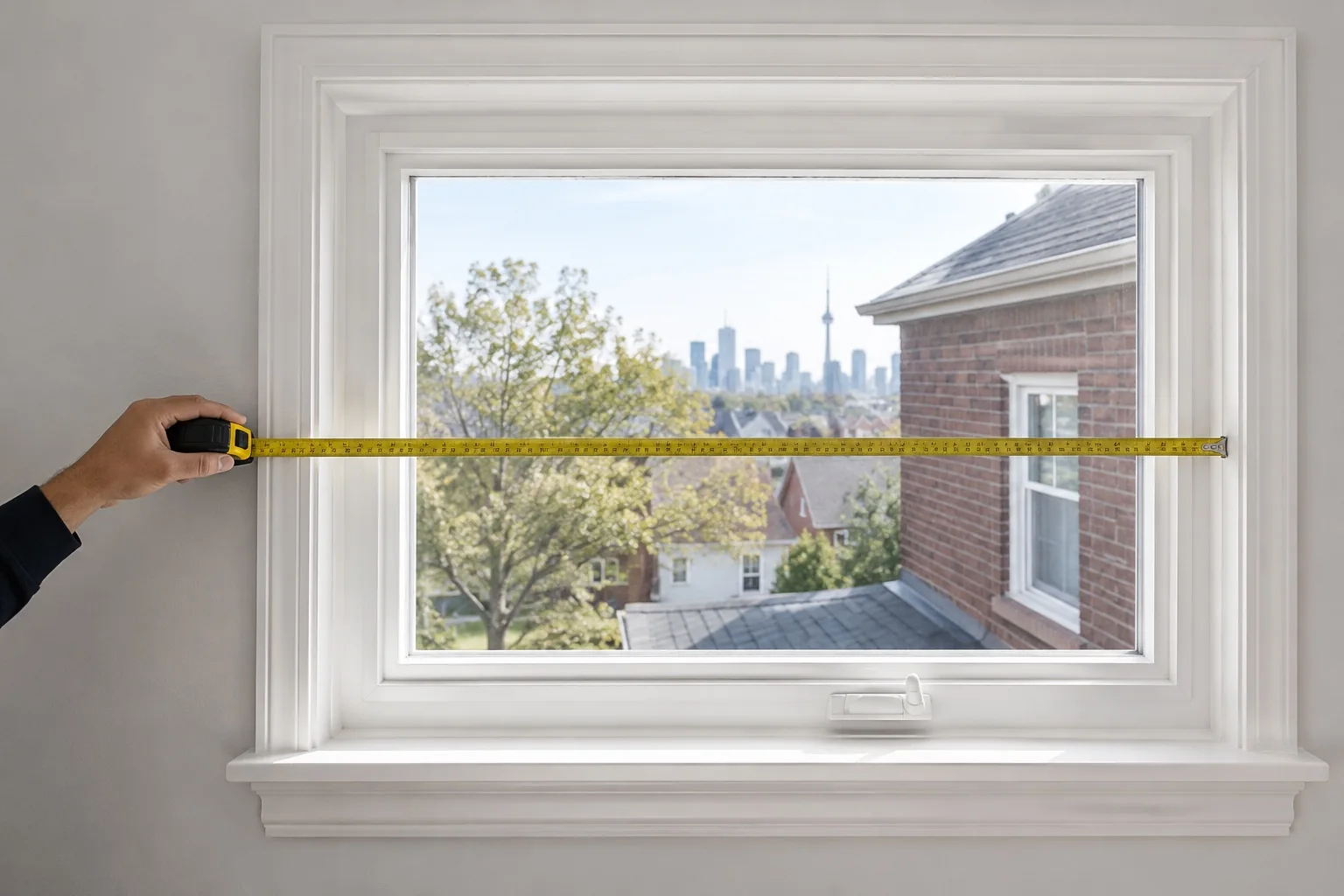


Educational planning without false certainty




What are you trying to do right now?
How to use the library responsibly
Are the guides free?
Yes. The current GlassQuote.ca homeowner guides can be opened online and downloaded as PDFs without purchase.
Are the planning ranges final quotes?
No. Cost examples and ranges are educational planning information. Product, site conditions, scope, tax and provider pricing must be confirmed.
Can I order windows using the measurement guide?
No. The guide helps homeowners organize preliminary information. Final manufacturing measurements should be taken or verified by the supplier or installer.
Which guide should I read first?
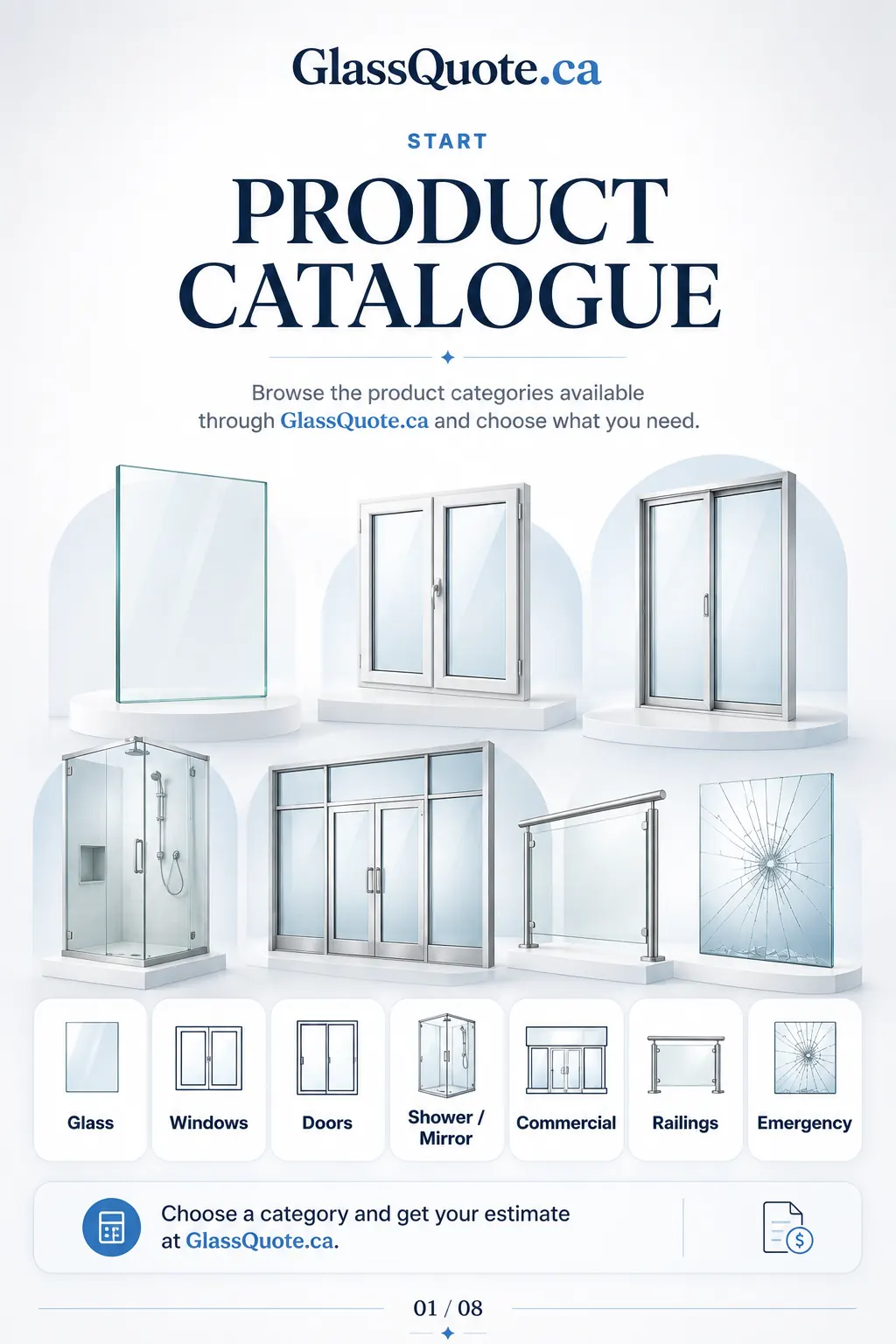
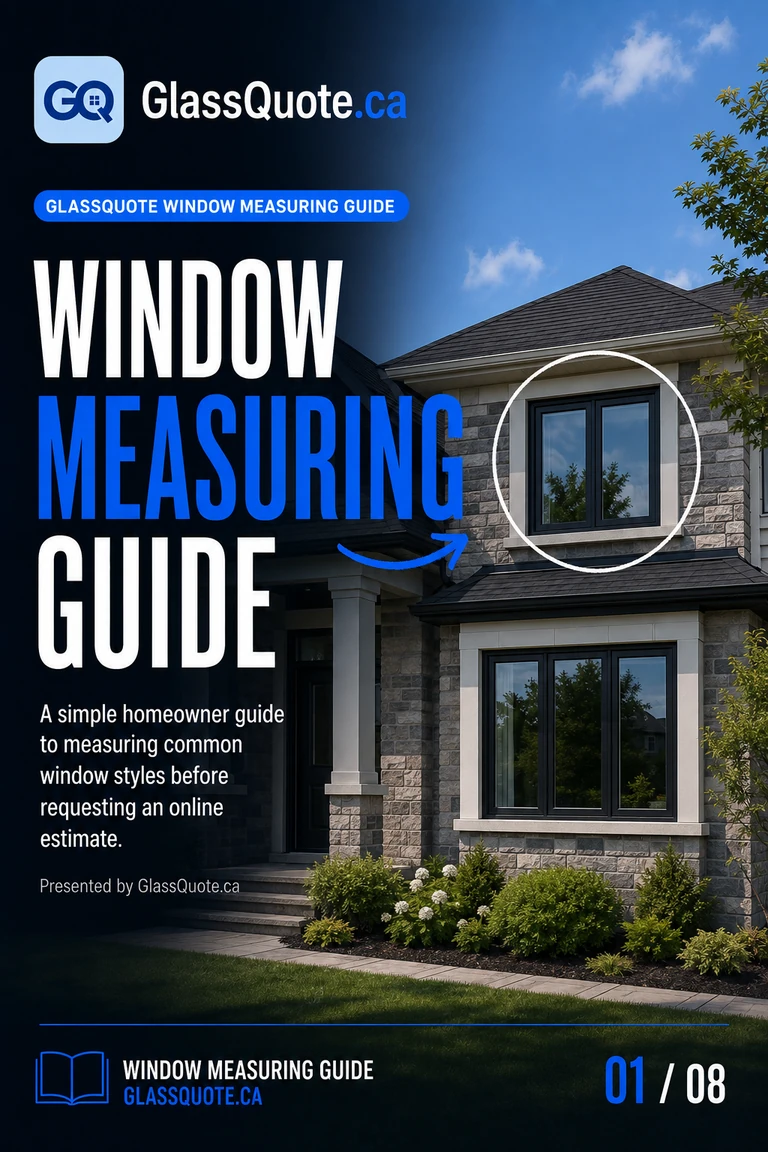
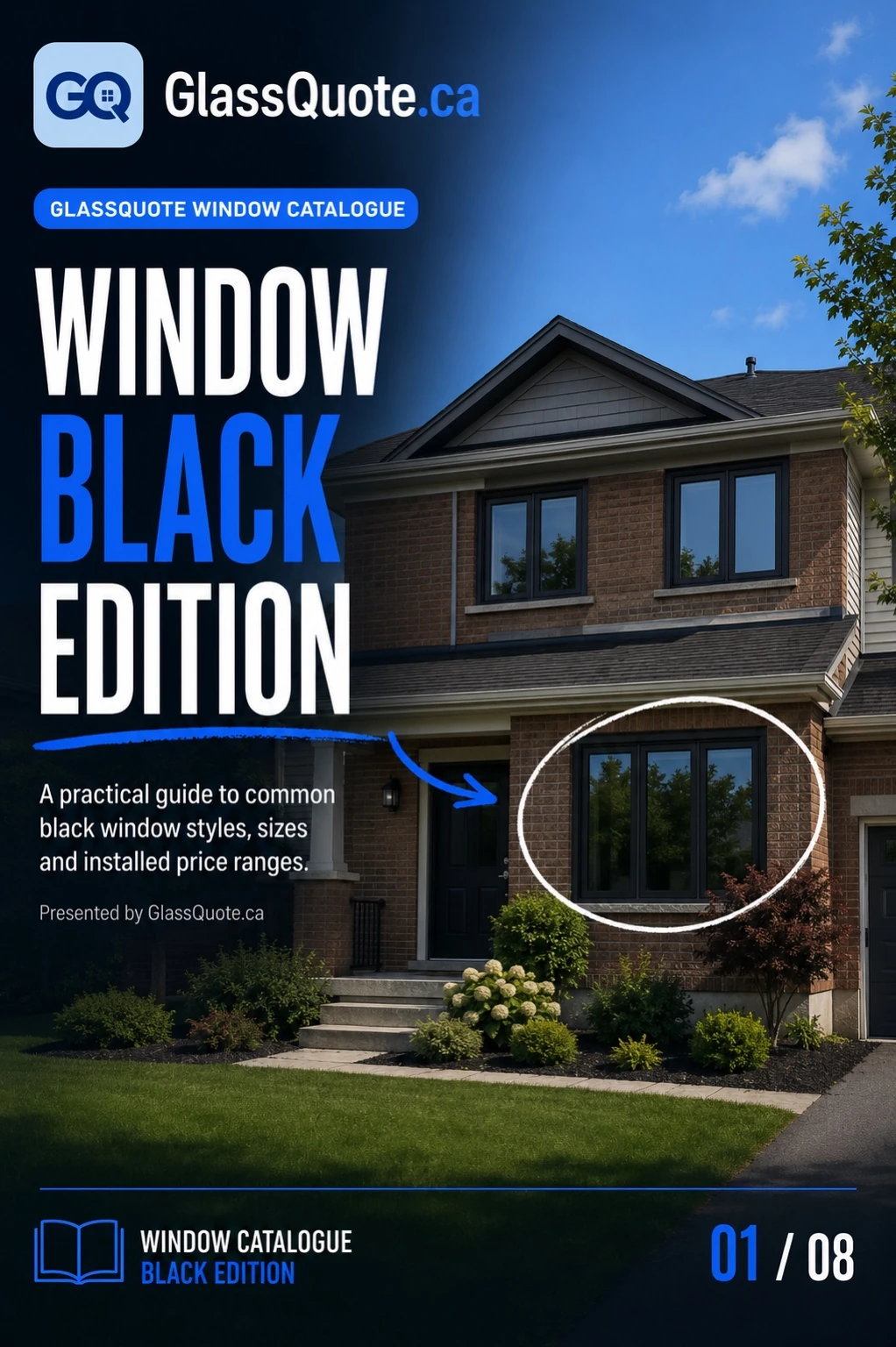
Start with the Product Catalogue to browse the available choices. Use the Window Measuring Guide when recording openings, and the Window Black Catalogue when comparing black-frame window options.
Will more guides be added?
The resource library is intended to expand into glass replacement, repairs, doors, interior glass, storefronts and contractor comparison topics.

Use the estimator after organizing the openings.
Your window list, approximate sizes, photos and preferred scope can make the online result more useful.
Residential glass & window company directory
Browse 100 residential companies on a permanent crawlable URL, or use the contractor comparison guide before requesting quotes.